Download AlarmCAD 2025
Download AlarmCAD 2025 Professional
AlarmCAD 2025
AlarmCAD Core Capabilities
AlarmCAD is designed for fire alarm system engineering and includes:
- Intelligent fire alarm device placement
- Conventional and addressable system design
- Automated wire path routing
- Battery calculations
- Voltage drop calculations
- Automatic riser generation
- Bill of Materials generation
- Symbol legends and operational matrix creation
The major new features include:
1. PDF Import Function
- Import PDF files directly into model space using File > Import > PDF.
- Allows designers to use PDF drawings as backgrounds for alarm system design.
2. Appliance Base Tool
- New tool for placing an appliance base and attached appliance simultaneously.
- Reduces repetitive placement steps and speeds up design.
3. Standard Riser Improvements
- Standard Riser reports now display devices on different floor levels according to the System Level ID assigned to elements.
- Improves multi-story system documentation.
4. Parts Profile Enhancement
- Parts Profile split into:
- Parts Profile Manager
- Cable Profile Manager
- New Cable Profile Manager helps control which cable types are available within a project.
- Added access to Get New Cloud Parts directly from the Parts Profile
5. Report Table Quick Update
- Report tables can now be resized.
- Added a right-click Update command for faster report regeneration.
6. Text Rendering Improvements
- Improved text display consistency between OpenGL and GLSL render modes and PDF exports.
AlarmCAD System Recommendations
| CPU | AMD Ryzen™ 5 9600 or Intel® Core™ i5-14500K | AMD Ryzen™ 9 9900X or Intel® Core i7-14700K | AMD Ryzen™ 9 9950X |
|---|---|---|---|
| Memory | 16 GB DDR5 | 32 GB DDR5 | 64 GB DDR5 |
| Graphics | NVIDIA® GeForce RTX™ 4060 | NVIDIA® GeForce RTX™ 4080 | NVIDIA® GeForce RTX 4090 |
| Storage | 500GB M.2 NVMe SSD | 512GB M.2 NVMe SSD | 1 TB M.2 NVMe SSD |
| OS | Microsoft® Windows® 11 | Microsoft® Windows® 11 | Microsoft® Windows® 11 |
Optimizing Your System
The following are a few helpful tips that may help improve the overall performance of AlarmCAD, depending on your particular system configuration:
- Get more RAM to improve overall performance. We recommend 16 GB for satisfactory performance in AlarmCAD.
- Save your work periodically. This releases memory allocated for Undo/Redo objects.
- Use the most recent release of Microsoft Windows® possible (11, 64-bit). AlarmCAD runs noticeably faster in more recent releases of Windows.
- Close other applications while using AlarmCAD to free up the maximum amount of system resources.
- Turn off snaps that are not necessary. This will improve cursor performance.
- Turn off any unneeded layers.
- Turn off snapping on layers needed only for reference.
AlarmCAD free download
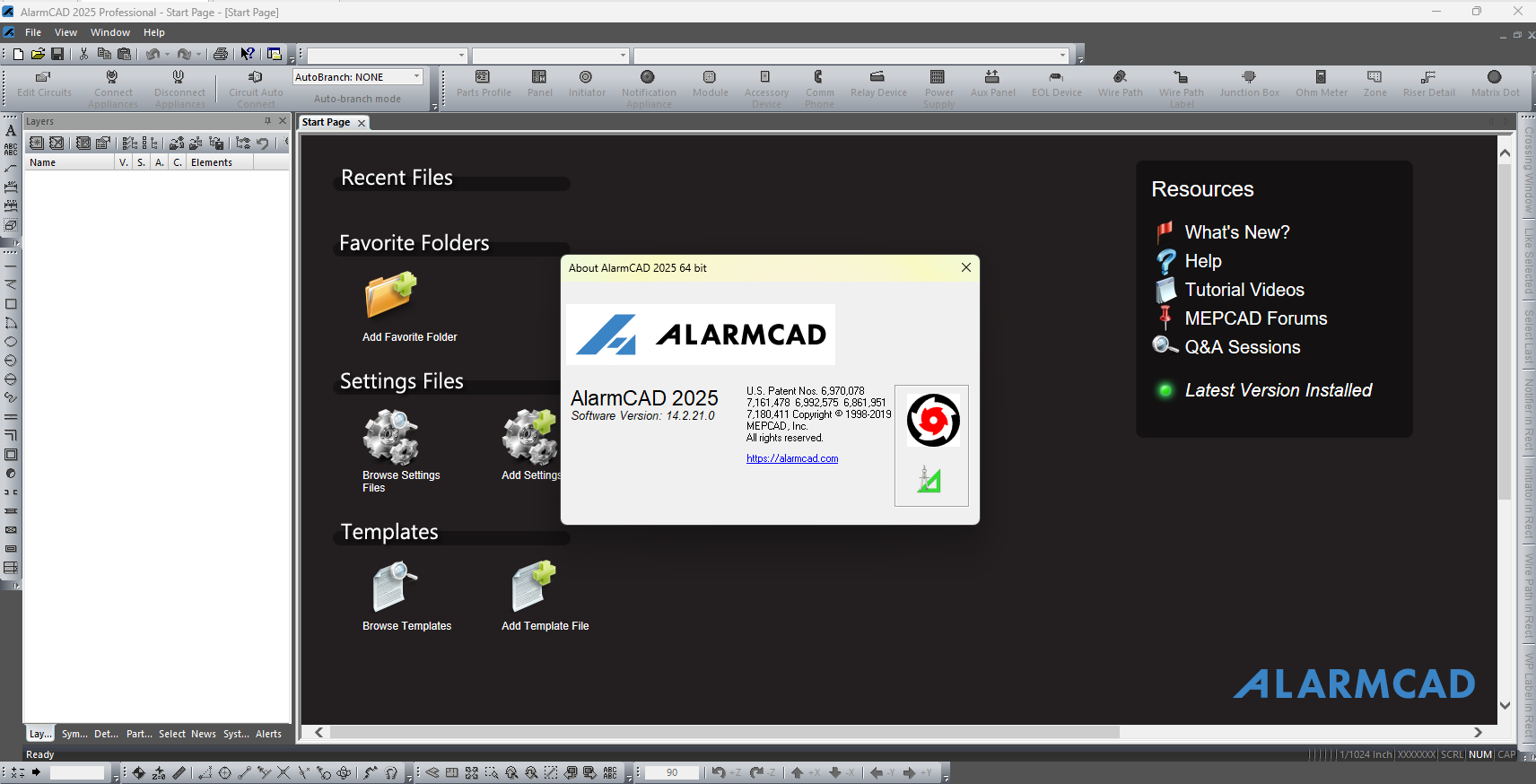
Download AlarmCAD 2025 Professional v14.2.21.0